

These tools help you organize your research tasks, track your progress and identify what information you still need.
Use them to stay focused and make steady progress in your genealogical research.
Tip: Each tool will open in a new window. Be sure to save your own copy before making changes.
Genealogy Source Record Checklist
Description:
A worksheet to help you track which records you have found and which ones you still need.
Use it to organize your research by individual and quickly see gaps in your documentation.
How to Use This Tool:
1. Click the button below to open the checklist
2. Save a copy to your own Google Drive (File -> Make a Copy)
3. Enter the name of the person you are researching
4. Check off records as you locate them
Helpful Tips:
- Sort the list to focus on missing records
- Add rows for additional individuals
- Use colors to highlight completed work
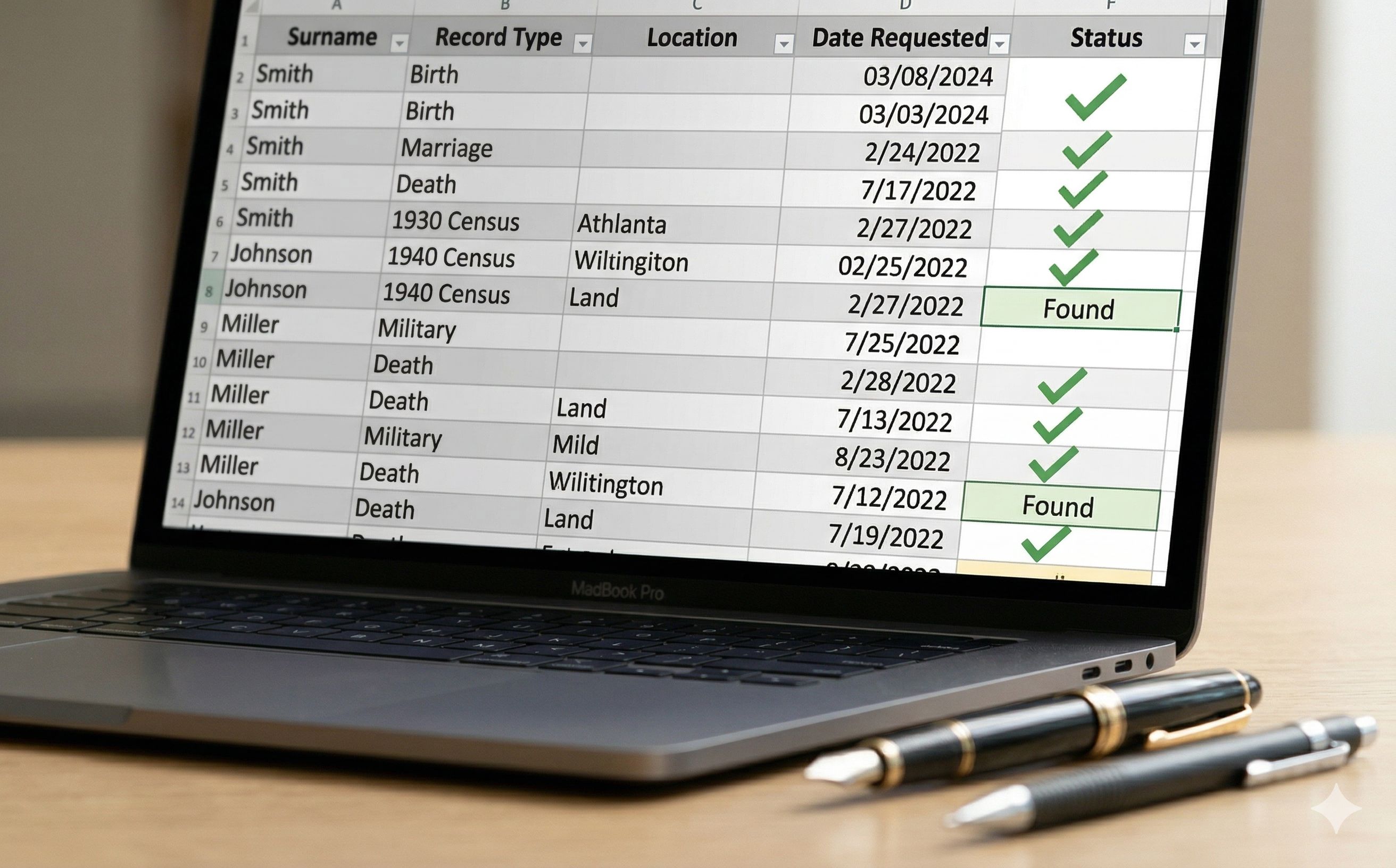
Checklist will be presented in a new tab from a Google Drive, which can be copied for your personal use.
Research Task Manager
Description:
A tool to help you organize and manage your research tasks for each individual.
Track important records such as birth, marriage, and census data so you can clearly see what you have and what you still need.
How to Use This Tool:
1. Click the button below to open the task manager
2. Save a copy to your own Google Drive (File -> Make a Copy)
3. Enter the last and first name of the person you are researching
4. In each column, mark your progress using:
H = Have
N = Need
D = Does Not Apply
5. Click the update button (if included) to refresh the tracking sheets
Helpful Tips:
- Focus on individuals with the most "N" (Need) entries
- Sort the list to prioritize your research tasks
- Add additional rows for more individuals as needed
- Use the different sheets (Birth, Marriage, etc.) to see what records you still need
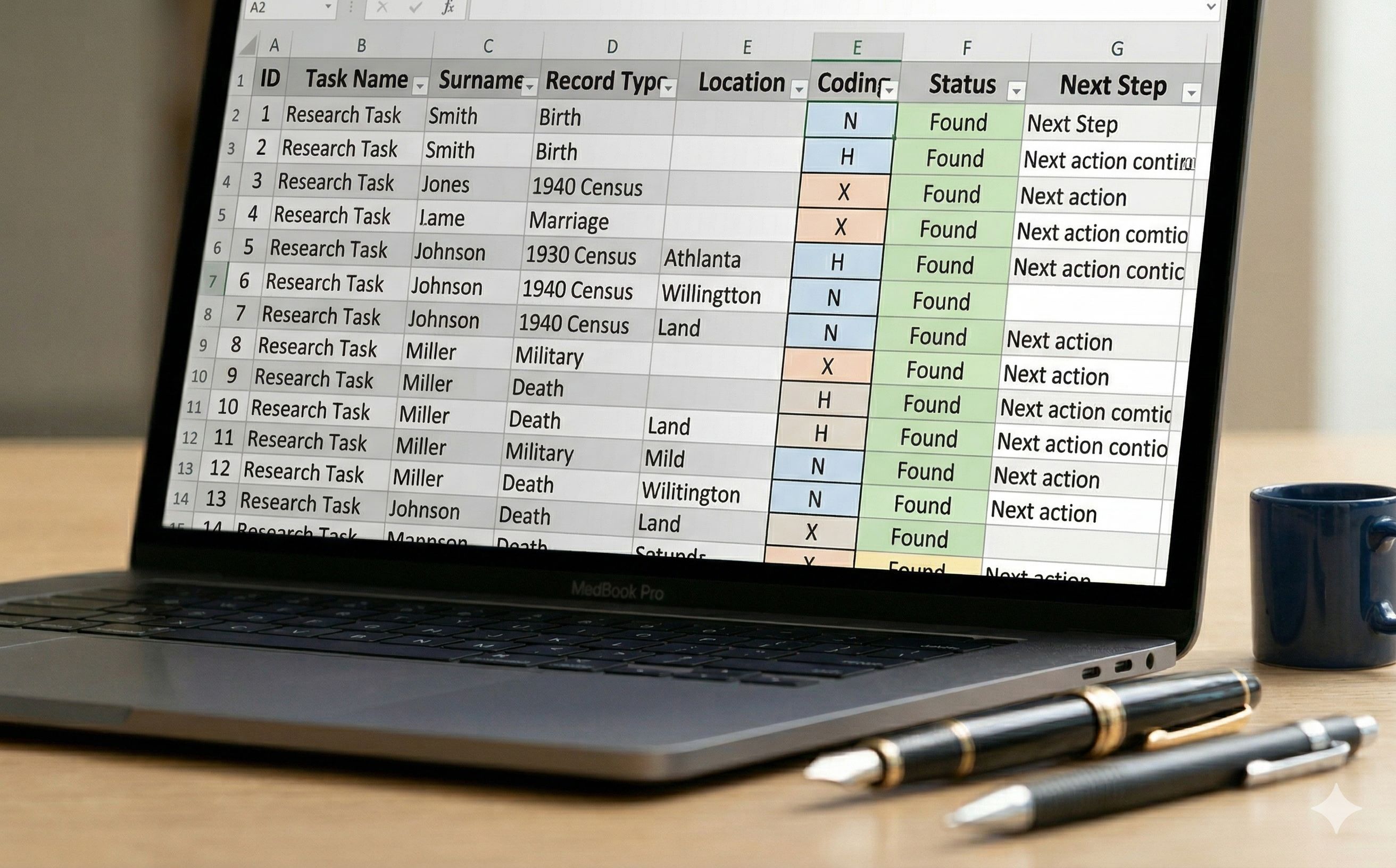
Task Manager will be presented in a new tab from a Google Drive, which can be copied for your personal use.
Tree Task Manager
Description:
An advanced version of the task manager designed for tracking direct ancestors and expanding family lines.
Use it to organize your research across multiple generations and include additional family members such as siblings and extended relatives.
How to Use This Tool:
1. Click the button below to open the tree task manager
2. Save a copy to your own Google Drive (File -> Make a Copy)
3. Enter the name of your starting individual (such as yourself or a parent)
4. Add ancestors and family members in the appropriate columns
5. Track your research progress as you build out your family tree
Helpful Tips:
- Start with one family line and build gradually
- Use this tool for direct ancestors first, then expand to other relatives
- Add additional names at the bottom for collateral lines
- Use it to track DNA matches or connections if needed
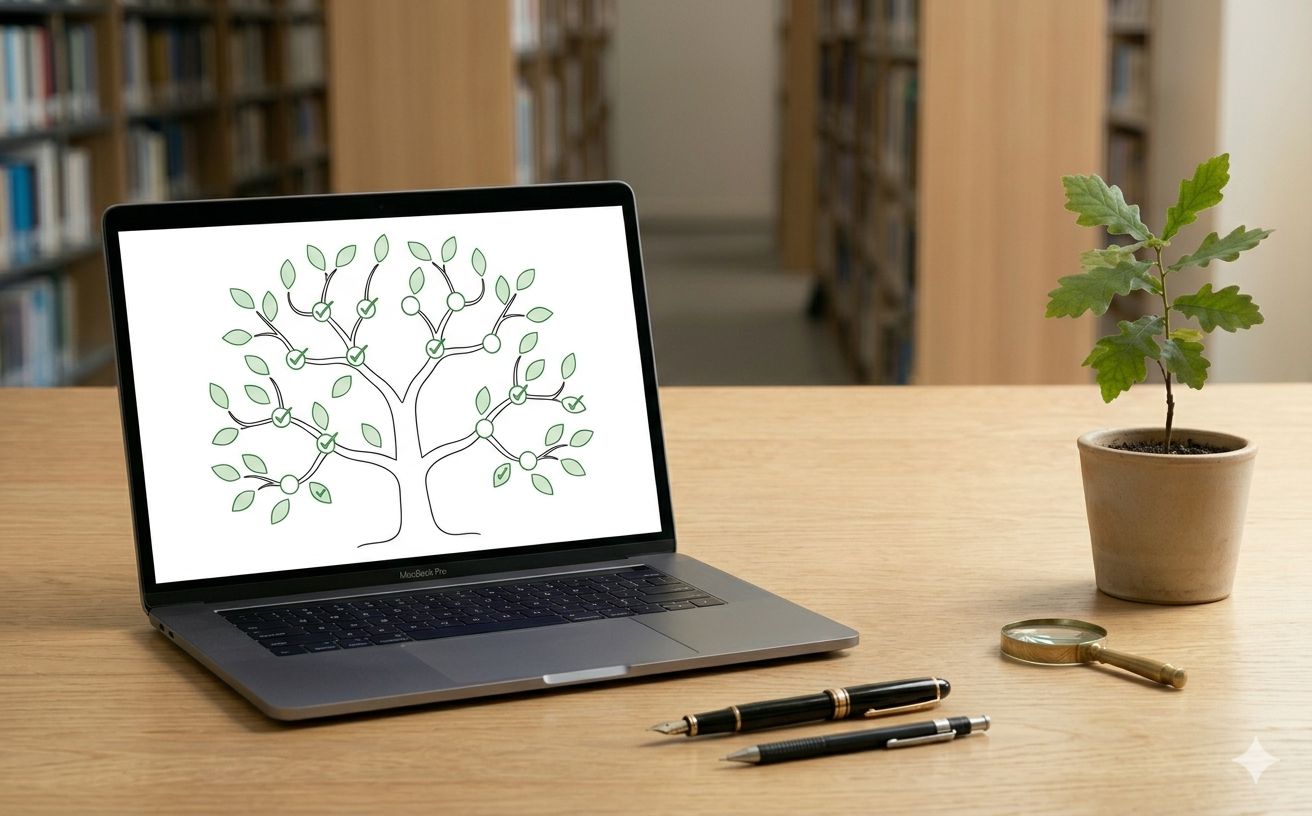
Task Manager will be presented in a new tab from a Google Drive, which can be copied for your personal use.